BlockBreaker100
Game content not available
2048 Bricks

2048 Bricks

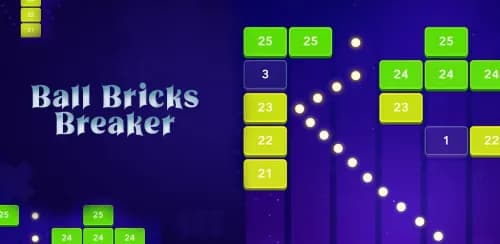
2048 Bricks is a free browser-based puzzle game where players merge numbered tiles on a grid to reach the 2048 tile. It runs on HTML5 across platforms including CrazyGames, KBHGames, and blockbreaker100.com, with no installation required. A mobile app version also supports offline play with touch-optimized controls.

Game Details

  • PlatformBrowser (desktop, mobile, tablet)
  • TechnologyHTML5 (Unity WebGL)
  • Release Date2024
  • Last Updated2024

How 2048 Bricks Actually Works

How 2048 Bricks Actually Works

2048 Bricks blends two satisfying puzzle mechanics into one addictive experience — the number-merging logic of classic 2048 with a brick-stacking twist that keeps each move feeling consequential.

You're working on a 4x4 grid where numbered tiles slide in whichever direction you input. When two identical tiles collide, they merge into a single tile displaying their combined value.

That's the core loop: slide, merge, repeat. But the brick variant adds vertical stacking behavior, meaning you're also managing how blocks accumulate spatially, not just numerically.

Every directional move shifts all tiles simultaneously, so one careless swipe can compromise your entire board layout.

Your goal is reaching the 2048 tile, though the game continues well beyond that threshold. As tile values climb — 4, 8, 16, 32, 64, 128 — available board space shrinks fast.

You'll need to think several moves ahead, balancing numerical progression with spatial awareness to avoid locking yourself out.

3 Best Ways to Play 2048 Bricks Free Online

3 Best Ways to Play 2048 Bricks Free Online

You've got three solid options for playing 2048 Bricks without spending a dime: browser-based platforms like CrazyGames and KBHGames let you jump in instantly with no downloads or sign-ups required.

If you prefer gaming on the go, Android app stores carry free mobile versions that use touch-swipe controls optimized for smaller screens.

Whether you're on a desktop, tablet, or smartphone, the game's HTML5 foundation guarantees smooth performance across virtually every modern device and browser. The game's tile-merging challenge offers a satisfying puzzle experience that casual gamers can enjoy entirely through a web browser without any cost or installation.

Browser-Based Free Access

There are 3 solid ways to play 2048 Bricks online for free without downloading a single file or creating an account. Browser-based access is your most immediate option, putting gameplay literally one click away.

HTML5 technology powers these web versions, meaning your standard browser handles everything. You don't need specialized software, plugins, or system updates. Simply navigate to platforms like CrazyGames or KBHGames, and you're playing within seconds.

Browser-based access also eliminates storage concerns entirely. Since nothing installs locally, your device's memory stays untouched. This matters especially on smartphones and tablets where storage fills quickly.

Compatibility extends across desktop, mobile, and tablet browsers consistently. Whether you're using Chrome, Safari, or Firefox, the controls — arrow keys, WASD, or touch swiping — respond reliably, keeping your focus entirely on merging those numbered blocks.

Mobile App Downloads

Mobile apps give you 3 distinct advantages over browser play: offline access, optimized touch controls, and persistent progress saving.

Once you've downloaded 2048 Bricks from Google Play, you're no longer dependent on a stable internet connection to enjoy uninterrupted gameplay.

Touch controls in the mobile version respond precisely to your swipe gestures, eliminating the awkward keyboard navigation that desktop browser play requires.

Every directional swipe registers cleanly, letting you focus entirely on strategic tile merging rather than control mechanics.

Your progress saves automatically between sessions, meaning you'll never lose hard-earned high scores or mid-game positions.

The app also pushes performance optimizations that browsers simply can't replicate, reducing lag during complex tile movements.

For serious players, downloading the mobile app is the smartest long-term commitment you'll make.

Platform Compatibility Options

Whether you're sitting at a desktop, swiping on a tablet, or squeezing in a quick game on your smartphone, 2048 Bricks adapts cleanly across all major platforms. HTML5 technology powers most browser-based versions, meaning Chrome, Firefox, Safari, and Edge all handle the game without specialized software or plugins.

On desktop, arrow keys and mouse controls give you precise input. Tablets and smartphones rely on touch swipe gestures, which feel natural given the game's directional mechanics.

Android users can also grab dedicated app versions directly from Google Play for a more optimized mobile experience.

No matter which device you prefer, you won't face storage concerns or lengthy installations. Platform flexibility genuinely removes friction, letting you jump straight into merging tiles whenever and wherever it's most convenient for you.

Which Controls Work Best: Arrow Keys, Swipe, or Touch?

Which Controls Work Best: Arrow Keys, Swipe, or Touch?

How you control your tiles in 2048 Bricks can make or break your strategy, and each input method has its strengths depending on your device and playstyle.

Arrow keys give you the most precision on desktop, letting your fingers execute rapid directional moves without accidental inputs. They're ideal when you're deep in a complex sequence and need exact control.

Swipe gestures work naturally on touchscreens, but they demand deliberate, clean movements. A sloppy swipe in the wrong direction can collapse your entire board arrangement, so accuracy matters more than speed here.

Touch controls on tablets strike a comfortable middle ground, offering a larger screen surface that reduces misfire risk while maintaining the tactile feedback mobile players prefer.

Ultimately, your best option depends on where you're playing. Desktop players should default to arrow keys, while mobile users will find swipe or touch controls more intuitive and responsive for sustained sessions.

Play 2048 Bricks Instantly on blockbreaker100.com

Play 2048 Bricks Instantly on blockbreaker100.com

You can jump straight into playing 2048 Bricks on blockbreaker100.com without downloading any software or creating an account. The site runs entirely in your browser, so you'll have instant access to the game across desktop, tablet, or smartphone devices.

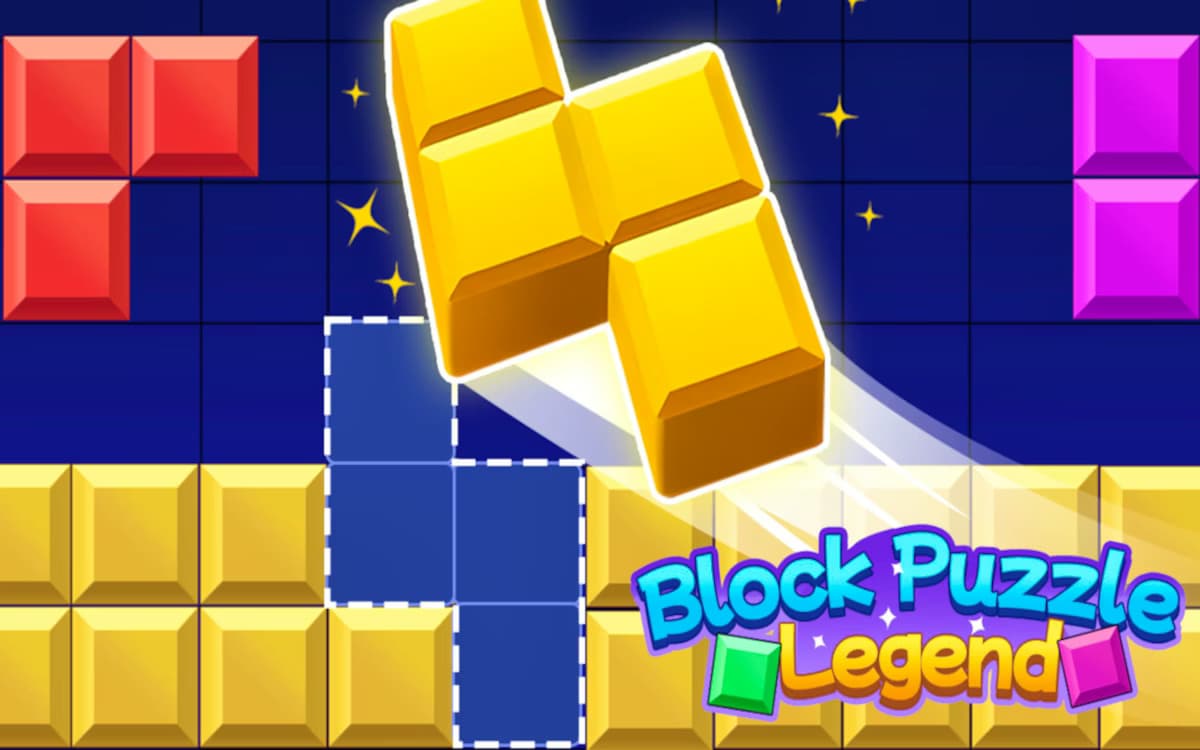
Best of all, it's completely free, meaning you can focus on strategizing your tile merges rather than overcoming payment barriers. Similar to Block Puzzle Legend, 2048 Bricks challenges you to think ahead as you place blocks onto a grid to clear lines and rack up points.

No Download Required

One of the biggest advantages of playing 2048 Bricks on blockbreaker100.com is that you don't need to download or install anything. Simply open your browser, navigate to the site, and start playing immediately.

This zero-friction access makes it easier to jump in whenever you want without wasting storage space or time on setup.

Key benefits of the no-download experience include:

  • Instant play — Your browser handles everything, so there's no waiting for installations or updates

  • Cross-device compatibility — You can switch between desktop, tablet, or smartphone without reinstalling

  • No account required — There's no sign-up process blocking your access to the game

This streamlined approach lets you focus entirely on strategy and gameplay rather than technical hurdles.

Instant Browser Access

Getting into 2048 Bricks on blockbreaker100.com takes nothing more than opening a browser tab and accessing the site — the game loads instantly without any installations, plugins, or account setup standing between you and your first move. The browser handles everything, so you're merging numbered tiles within seconds of arriving on the page.

This immediacy matters more than it might seem. You're not waiting on download queues, storage permissions, or software compatibility checks. The HTML5 framework runs cleanly across Chrome, Firefox, Safari, and Edge, meaning your device type rarely creates friction.

Whether you're on a desktop during a lunch break or a tablet at home, blockbreaker100.com delivers a consistent, responsive experience. Instant access removes every unnecessary barrier, keeping your focus exactly where it belongs — on the puzzle itself.

Free Gameplay Available

Free gameplay on blockbreaker100.com means zero cost at every stage — no trial periods, no paywalled levels, and no subscription fees hiding behind a "free" label.

You access the full 2048 Bricks experience immediately, without entering payment details or creating an account.

This model removes friction entirely, letting you focus on strategy rather than barriers.

Consider what you're getting at no cost:

  • Complete level access — all 100 brick-stacking challenges are available from the start

  • No time restrictions — you play at your own pace without countdown timers forcing upgrades

  • Cross-device compatibility — desktop, tablet, and smartphone sessions cost nothing regardless of platform

That's genuine free-to-play structure, not a monetization trick.

You get the full game, the full challenge, and zero financial commitment.

Winning Strategies to Hit 2048 Before You Run Out of Space

Winning Strategies to Hit 2048 Before You Run Out of Space

Hitting 2048 before the board fills up isn't just about merging tiles randomly — it demands a disciplined strategy from your very first move. Start by anchoring your highest-value tile in one corner and never move it. This single habit prevents chaos and keeps your board organized as values escalate.

Next, build a descending chain of tiles radiating outward from that corner. Think of it as a snake pattern — each tile should connect logically to the next lower value. This structure makes merging efficient and predictable.

Always prioritize moves that keep your high-value corner tile locked in place. Avoid the directional move that breaks your chain unless absolutely necessary.

Finally, manage empty space aggressively. Don't chase small merges that scatter tiles randomly. Every move should serve your chain. Stay patient, think two or three moves ahead, and you'll consistently reach 2048 before the board closes in.

2048 Bricks Variants That Add New Twists to the Same Core Game

Once you've mastered the core sliding mechanic, 2048 Bricks opens into a surprisingly diverse ecosystem of variants that each reshape how you think and plan. Each version introduces fresh constraints that force you to abandon habits that worked before.

  • 2048 X2 Merge Blocks demands fast-paced tile placement under tighter time pressure, punishing hesitation.

  • Brick-dropping variants replace horizontal sliding with vertical stacking, shifting your spatial reasoning entirely.

  • 100-level challenge modes escalate board complexity progressively, introducing restricted grids and pre-placed obstacles that eliminate safe default strategies.

What makes these variants genuinely valuable isn't novelty alone — it's how they expose weaknesses in your core approach. If you've been relying on corner-locking strategies, a dropping mechanic will dismantle that immediately.

If you've been ignoring board density, a 100-level mode will punish you by level 30. Exploring these variants doesn't just entertain you — it actively sharpens your decision-making across every version you play. Games like Block Crush Saga demonstrate how special power-ups and scoring systems can further differentiate variants by rewarding players who adapt their strategy to each mode's unique mechanics.

2048 Bricks: Frequently Asked Questions

Most browser-based versions of 2048 Bricks don't automatically save your progress between sessions, so you'll likely start fresh each time you close the game.

However, some platforms do store your high scores locally through browser cookies.

To protect your progress, you should complete your session in one sitting or check if your chosen platform offers an account-based save feature before you begin playing.

2048 Bricks doesn't support simultaneous multiplayer competition in its standard online format. You play solo, you chase your own high score, and you challenge yourself to beat your personal best.

The competitive element comes from leaderboard-based score comparisons rather than real-time head-to-head gameplay. If you're craving direct competition, you'd need to seek out specifically designed multiplayer puzzle variants, as traditional 2048 Bricks remains a single-player experience.

Based on available information, there aren't any specific age restrictions preventing you from playing 2048 Bricks on blockbreaker100.com.

The game's puzzle-based mechanics and mathematical merging concepts make it universally accessible, appealing to players across all age groups.

You'll find it's designed as a free, browser-based experience that requires no account creation, which typically eliminates age-verification barriers that subscription-based or data-collecting platforms commonly enforce.

Like searching for a light switch in a pitch-black room, finding confirmed details about blockbreaker100.com's dark mode feature isn't straightforward.

The available information doesn't specifically confirm whether the site offers a dark mode for 2048 Bricks. You'll want to visit the site directly to check its display settings.

Most browser-based 2048 games prioritize accessibility, so your device's built-in dark mode might serve as an alternative.

Most browser-based 2048 Bricks versions don't include a dedicated pause button, but you can effectively pause mid-session by simply leaving your browser tab open. Your game state typically remains intact as long as you don't refresh or close the window.

If you're playing on mobile, switching apps usually preserves your progress too. Always check your specific platform's features, since functionality varies across different versions.